01
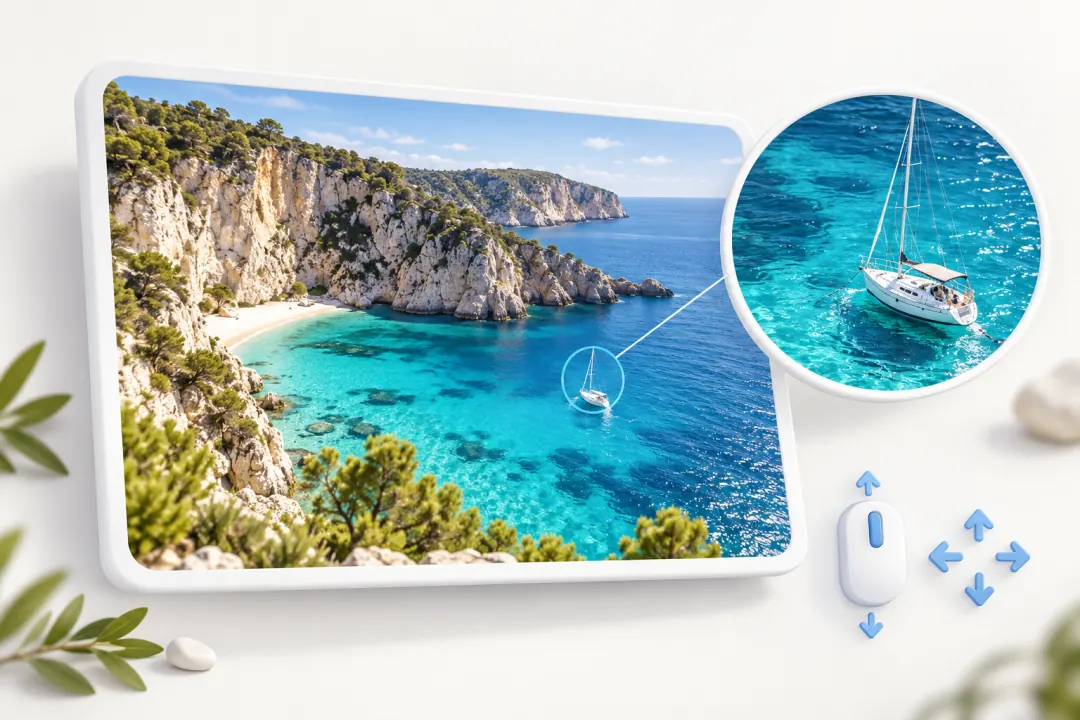
Scroll to zoom Drag to pan
Use the mouse wheel to zoom, then drag to pan around. Explore the details or take in the whole picture, whether you are viewing photos, long screenshots, or design mockups.
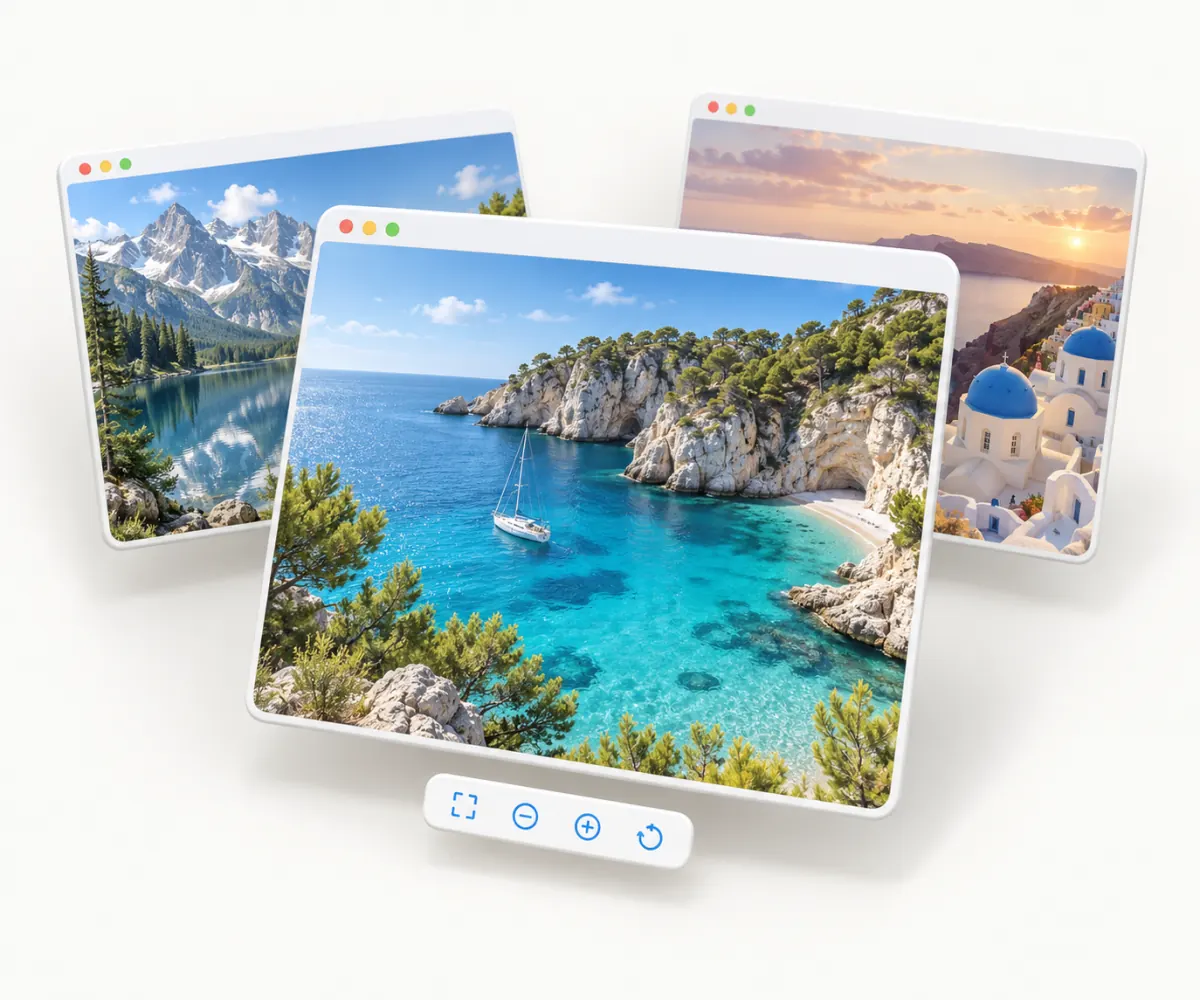
Double-click to open. Close to quit.A lightweight, native macOS image viewer. Zoom, crop, annotate, and copy text with OCR. PicSee quits when you close the viewer window, with no extra steps.
Use the mouse wheel to zoom, then drag to pan around. Explore the details or take in the whole picture, whether you are viewing photos, long screenshots, or design mockups.
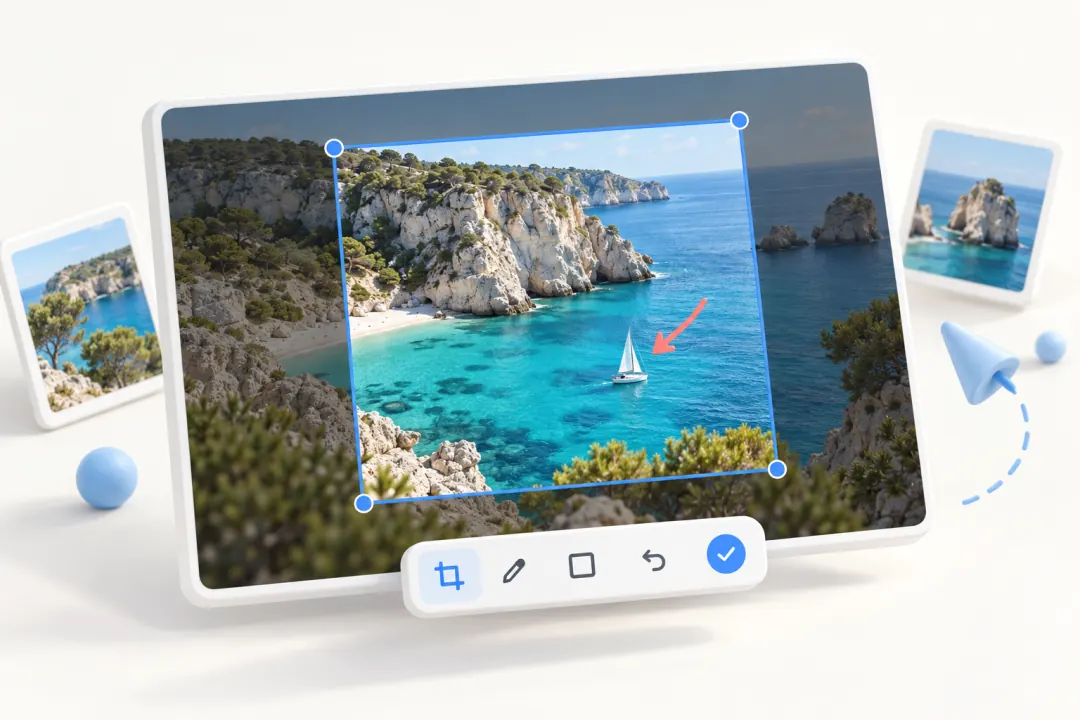
Select an area to crop and enter an exact width and height. Add arrows, shapes, or text, or pixelate sensitive details. Copy the result or save it as a PNG.
Recognize text in images with OCR, drag to select it, and press ⌘C to copy. Extract text from screenshots or scanned documents without retyping.

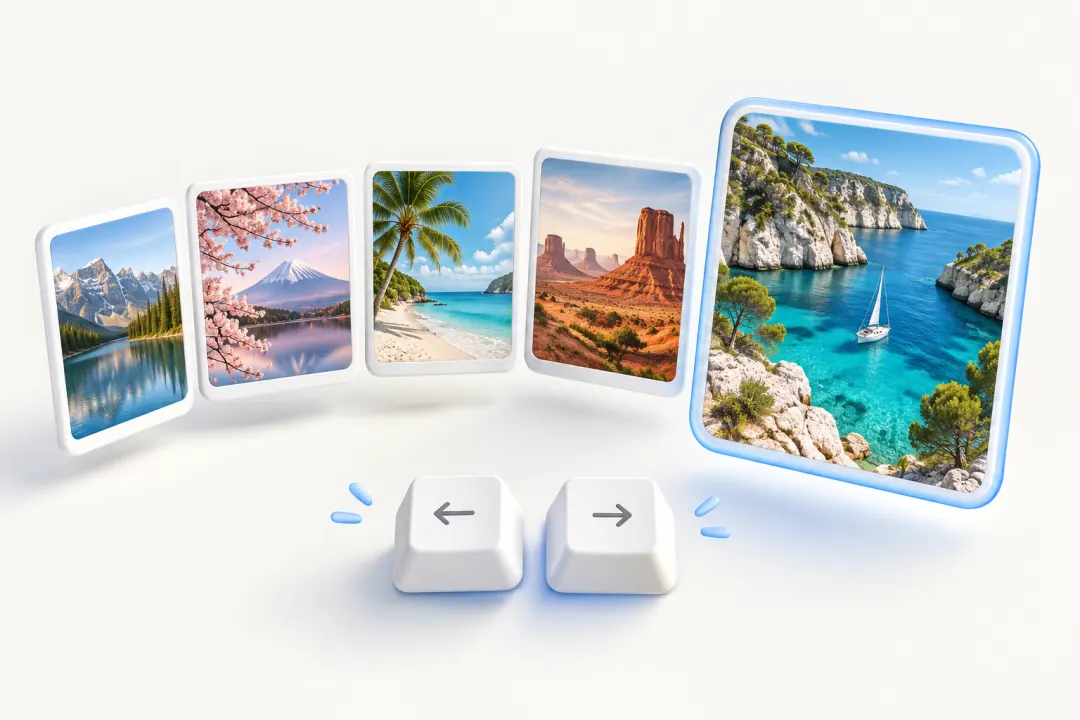
Use the arrow keys to browse images in the same folder. With Automation permission granted and Finder’s sort order available, PicSee follows that order. Otherwise, it uses natural filename order.
Choose image formats in Settings to make PicSee their default app. Then just double-click an image in Finder to open it.

Full decoding of professional image formats depends on ImageIO support in your macOS version and the previews embedded in each file.